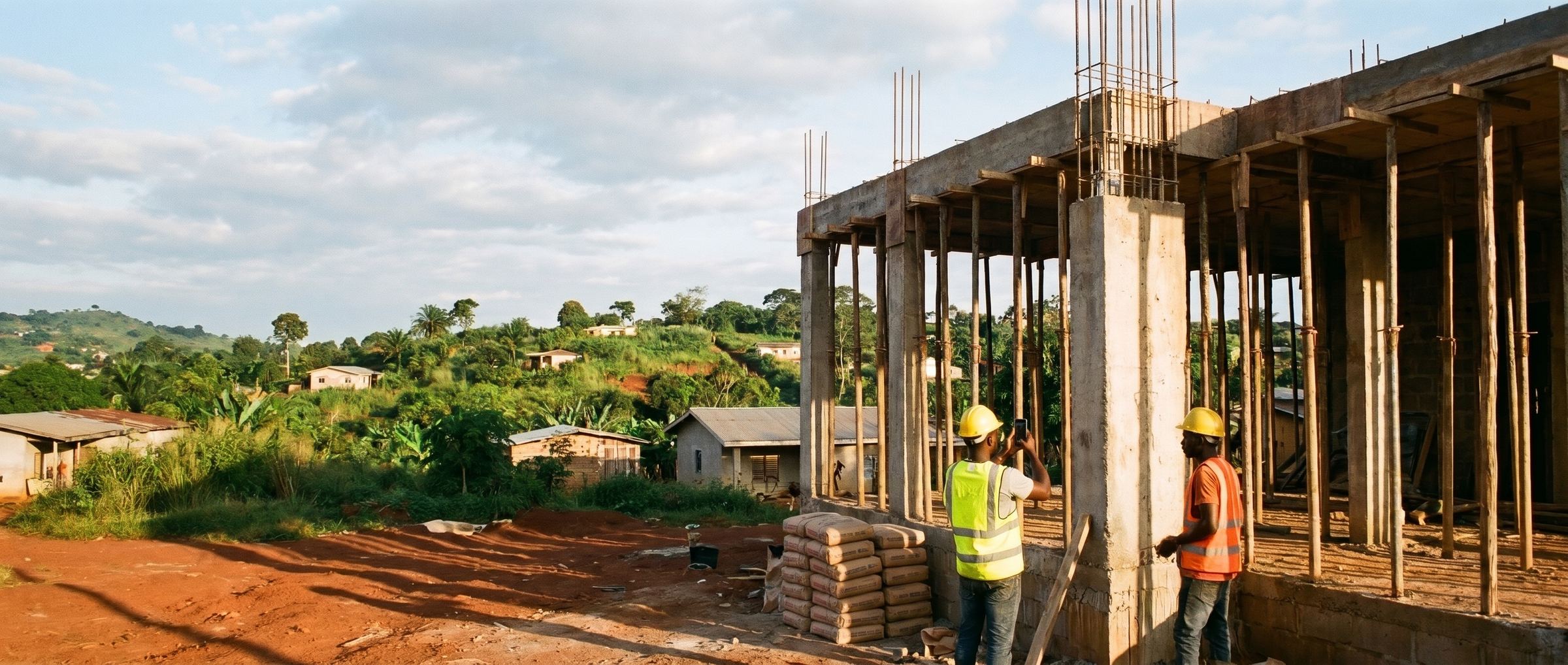
Site proof that unlocks payments.
Dated photos, notes and decisions become a clear report your client opens on WhatsApp. They see the progress, they pay the tranche.
The site today
WhatsApp, Excel and a notebook are no longer enough.
Every scattered photo and every untracked verbal request ends up costing money.
- 01 The client won’t release the tranche without proof of progress. Frozen cash flow
- 02 “Just add a window”: the verbal change that never gets invoiced. Eroded margin, final dispute
- 03 Urgent site purchases go through with no budget check. Budget overrun of 10–20%
- 04 Mobile Money sent to the site supervisor with no receipts. Invisible leakage
- 05 Photos lost across three phones and fifteen groups. No evidence in a dispute
- 06 Three to six sites tracked from memory. Critical misses, site stoppage
- 07 You send money from Paris or Houston without seeing the site. Mistrust, diverted funds
- 08 The client calls every day to ask how the works are going. Hours lost on the phone
- 09 The site report typed at night in Word, sent a week later. One evening per visit
- 10 Snags written in a notebook, forgotten at handover. Rework at your cost
- 11 The network drops on site: the photo never sends, the note is lost. Visit to redo
- 12 Foreign tools cost $40 to $160 per user and ignore FCFA and Mobile Money. Paid for, never used
How it works
Three steps, and your client knows where their site stands.
-
1
Photograph the visit
On site, on your phone: photo, caption, work package, status. Under a minute. Date, time and author are added for you.
-
2
Generate the report
Pick the period. Edificly lays out the timeline, snags and next steps with your logo, as a PDF and a link.
-
3
Request the tranche
The WhatsApp message is ready: progress, condition met, amount due. The client sees it, understands it, pays.

The client report
Your client doesn’t need an account.
One link. They open it from Yaoundé, Paris or Houston, on an average phone and a slow connection.
- Dated photos filed by work package
- Overall and per-package progress
- Open snags, with owner and due date
- Payment status and the tranche requested
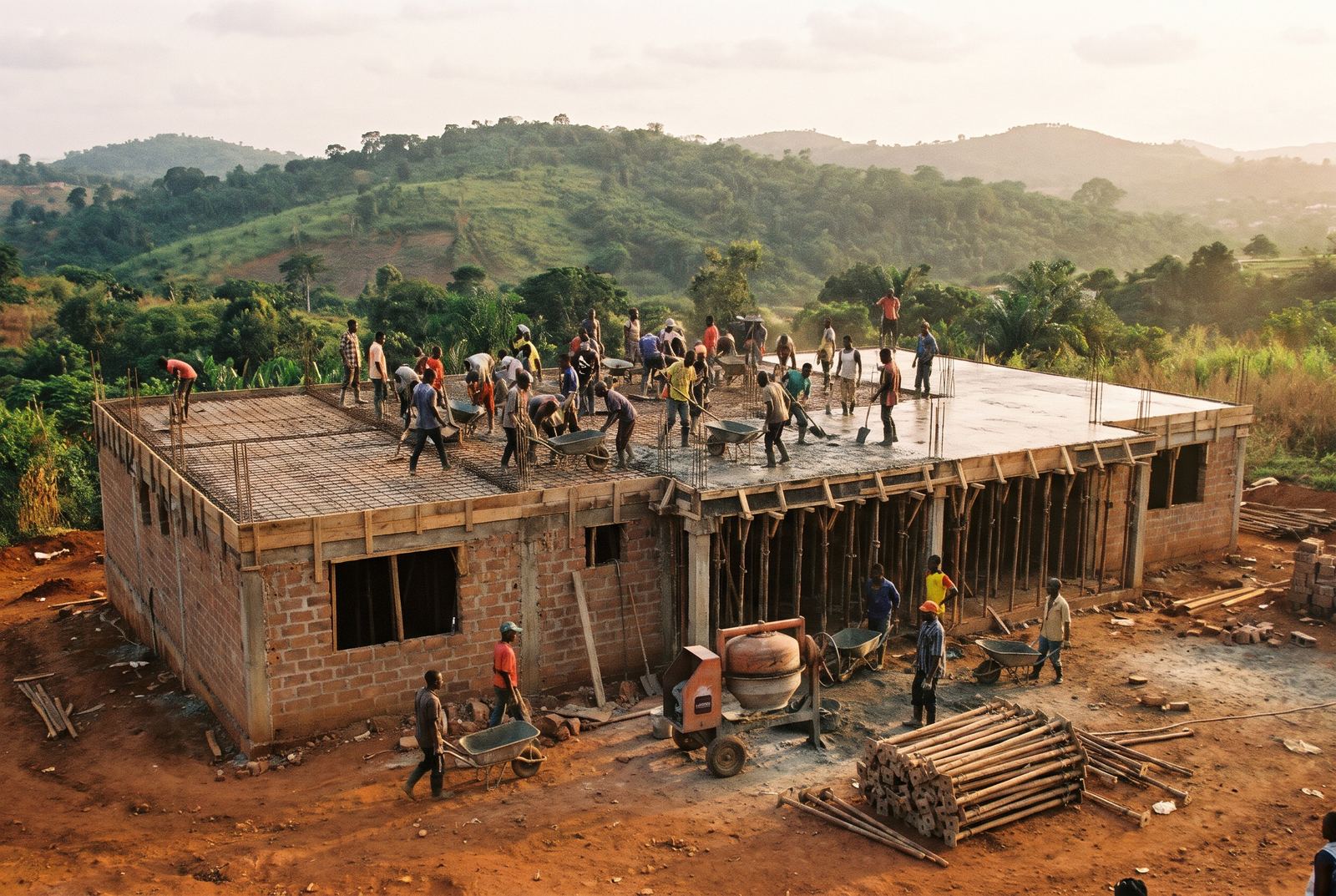
Change orders
Every client request, dated and approved.
On site, by phone or by voice note: the request is logged, priced and approved. If work is done without approval, Edificly flags it before the margin is gone.
- PendingRequested by Mr Abena, WhatsApp
- Client approvedEvidence attached
- DonePhoto as proof
- InvoicedMargin protected

Diaspora clients
You are building back home. You live in Paris, Brussels or Houston.
Three blurry photos from a relative don't tell you where the money went. With Edificly, your architect sends you a link: every visit dated, progress by work package, open snags and justified expenses. You pay the instalment once you have seen the proof.
- One link to open, no account to create
- Every photo dated, tied to a work package and its author
- The requested instalment, with the condition met
- Pay by MTN MoMo, Orange Money or bank transfer
Who it’s for
Built for those who build, and for those who pay.
Architects and firms
Site visits, minutes, client relationship, drawing versions.
Journal → PDF report → client link
Contractors and project managers
Budget, purchases, labour, collections.
Spend vs budget, tranches, receipts
Site supervisors and foremen
Fast field entry, snags, deliveries.
Photo + note in 30 seconds, snags
Clients and diaspora
See where the money goes, without travelling.
Read-only link, payment history
Built for Cameroonian sites, not adapted as an afterthought.
- WhatsApp first
- Reports, reminders and tranche requests go where your clients already read.
- MTN MoMo and Orange Money
- Collections and cash floats with their transaction reference.
- Three to six sites
- One dashboard: snags, overdue tranches, budgets drifting.
- FCFA, and euros for the diaspora
- Amounts in CFA francs by default, EUR or USD per site.
Your next site visit can unlock the next tranche.
Create your firm, add a site, send a report this week.